
See exactly what changed between proof versions
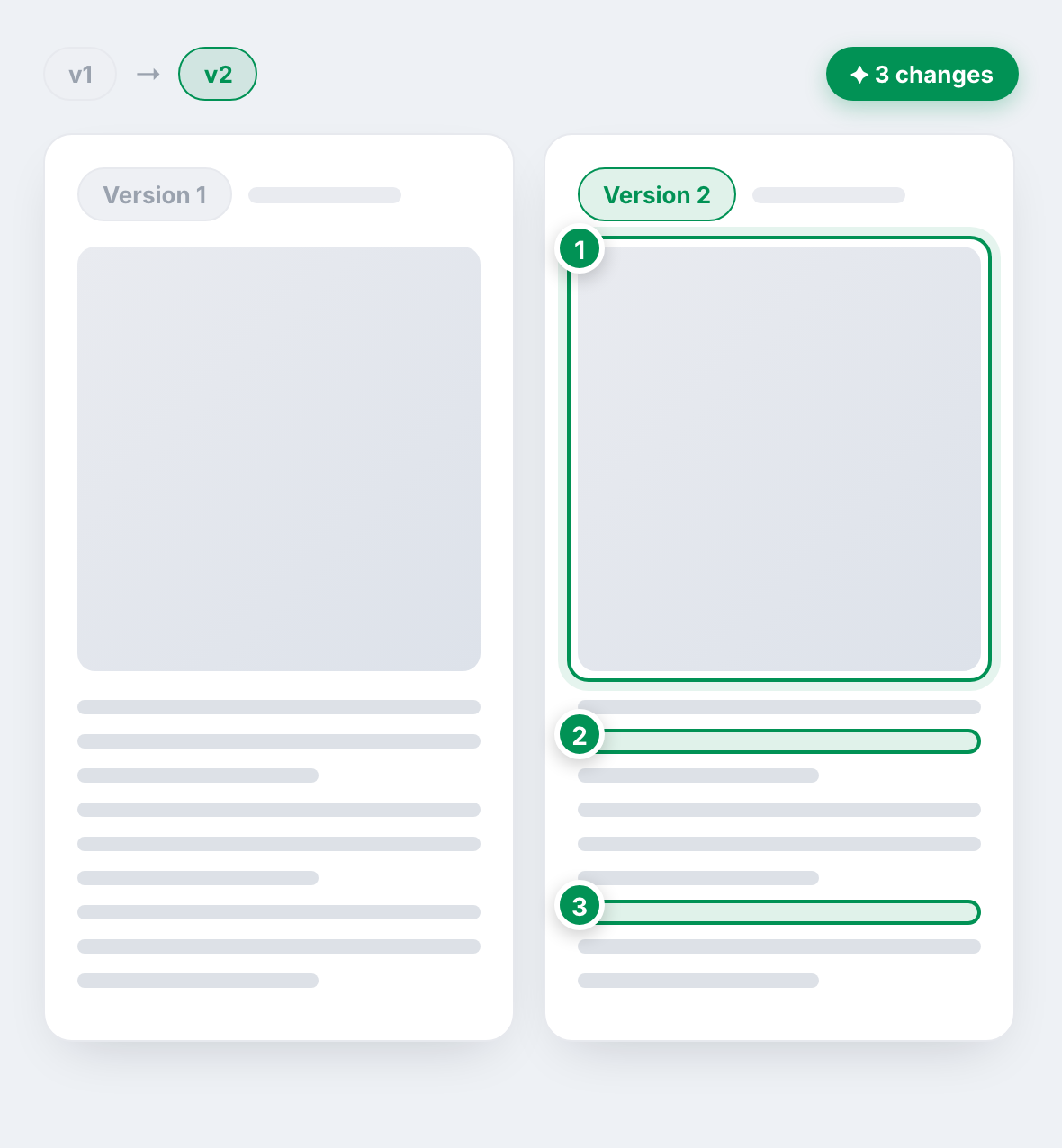
Approvals rarely land on version one: across more than 500,000 proofs, roughly 4 in 10 go through more than one version. Smart Review automatically compares each new version to the last and marks exactly what changed, so you and your approvers stop hunting for edits and start approving faster.

Why version two matters
proofs go through more than one version
of approvals come only after at least one revision
proofs analyzed to understand how revisions really work
Based on an analysis of more than 500,000 proofs sent through Ashore.
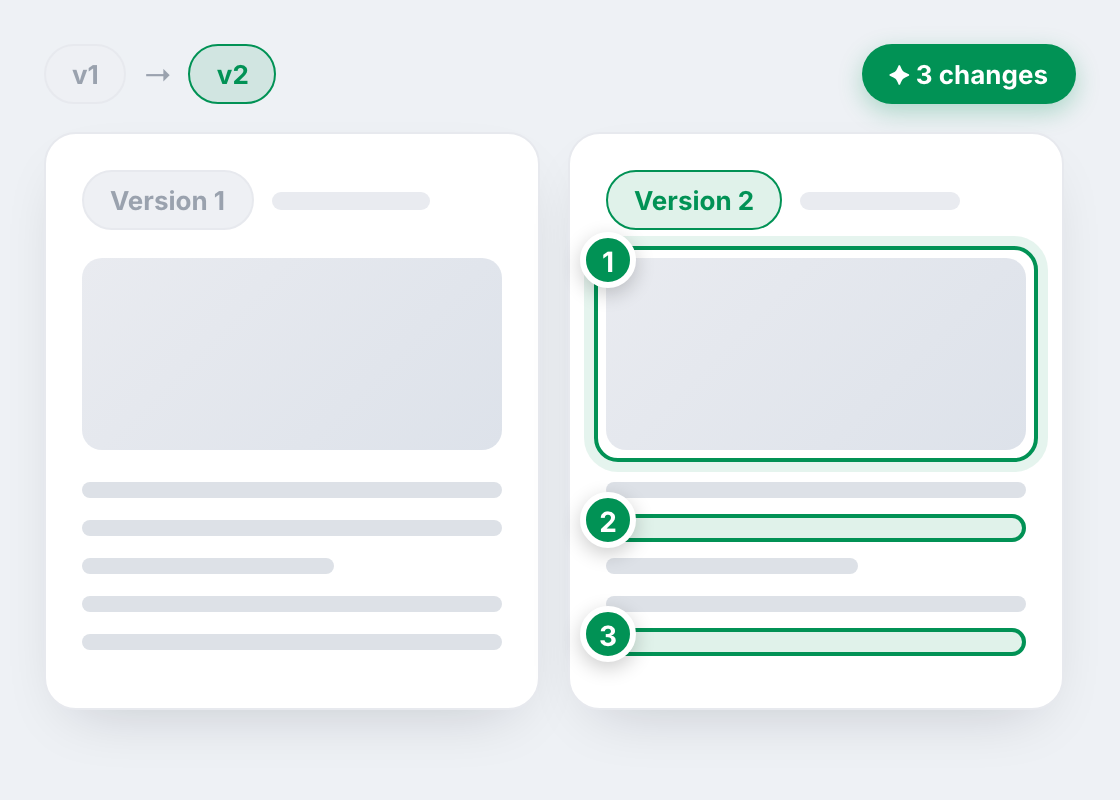
See exactly what changed
Every time you upload a new version, Smart Review compares it to the one before and highlights what changed: rewritten text, swapped images, moved or added elements. Each change is marked right on the proof and numbered, so nobody has to hold two files side by side and hunt for the difference.
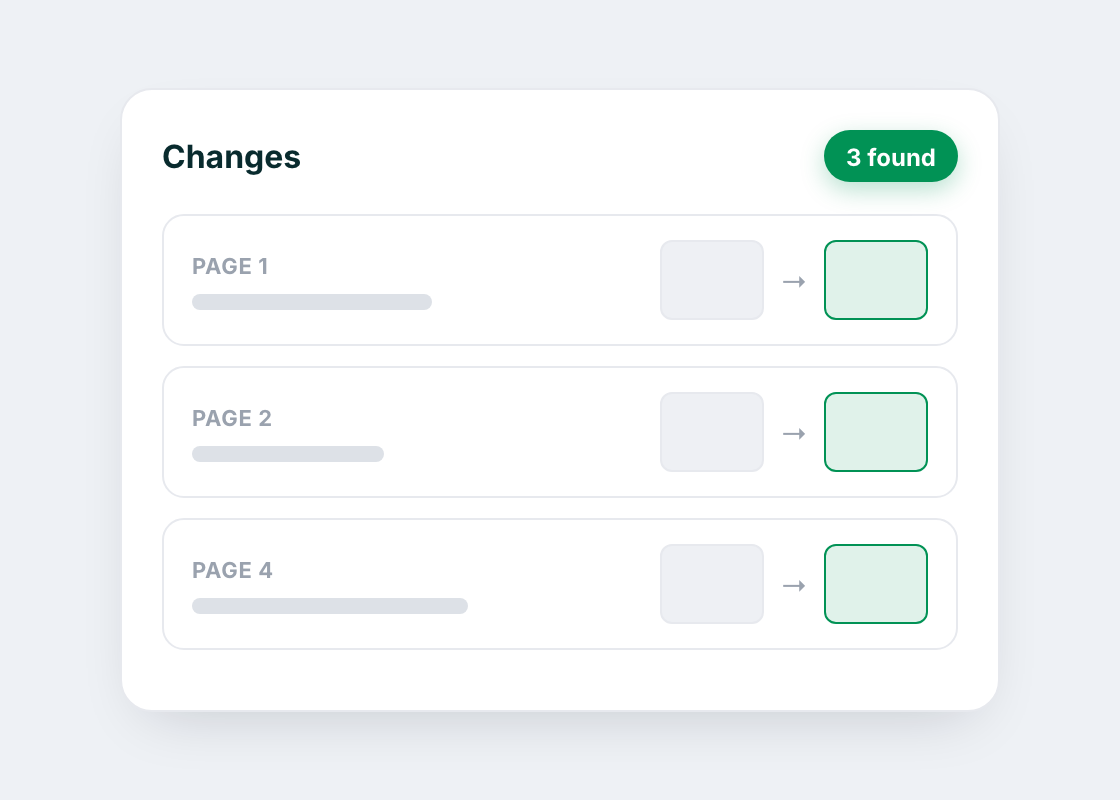
Every change, page by page
In compare mode, a Smart Review panel lists the detected changes for each file, page by page, with a before and after crop of every one. Minor rendering differences are grouped together so the list stays focused on what actually matters. And if a version has no changes, Smart Review says so directly, instead of leaving your approvers to double check by eye.
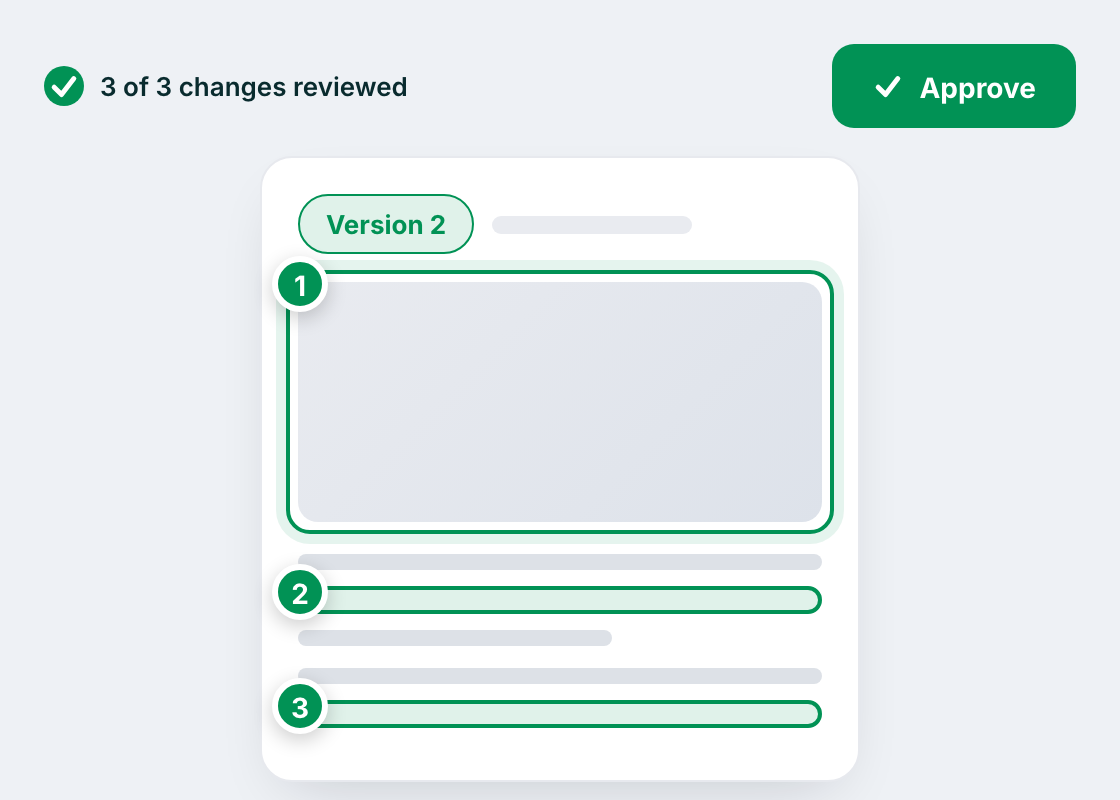
Approve with confidence
When approvers can see what's new at a glance, they stop re-reviewing the whole proof and focus on the changes, so decisions come back faster. Just as importantly, you catch unintended edits before they reach your client. Smart Review is an account setting, off by default; turn it on once and it applies to every multi-version proof from then on.
Smart Review FAQ
Common questions about comparing proof versions with Smart Review in Ashore.
Whenever a proof has two or more versions, Smart Review automatically compares the newest version against the one before it and highlights what changed directly on the proof. There's nothing extra for an approver to set up; it runs on the review screen as soon as a new version is available to compare.
Getting started is fast and fun with Ashore
Start streamlining your creative approvals today and see the difference.
BTW, you'll be mad you didn't do this sooner.